
Aha Product FAQ

Add questions and answers (FAQ) to each product. Reusable global FAQs (one question in multiple categories), single-editor metabox with accordion list, shortcode, automatic display, and FAQPage schema. Pro.

Original price was: $ 18.00.Current price is: $ 9.00.

What you get

  • Free support for this product
  • Free updates for future versions
  • Quality checked and ready to use

Information

  • Category: Faq, WooCommerce
  • First release: March 11, 2026
  • Last update: March 20, 2026
  • Version: 1.0.0
  • Files included: php, css, js

Requirements

  • WordPress 6.0 or higher
  • WooCommerce 8.0 or higher
  • PHP 7.4 or higher

Per-product FAQ for WooCommerce — fewer questions, more conversion, better SEO.

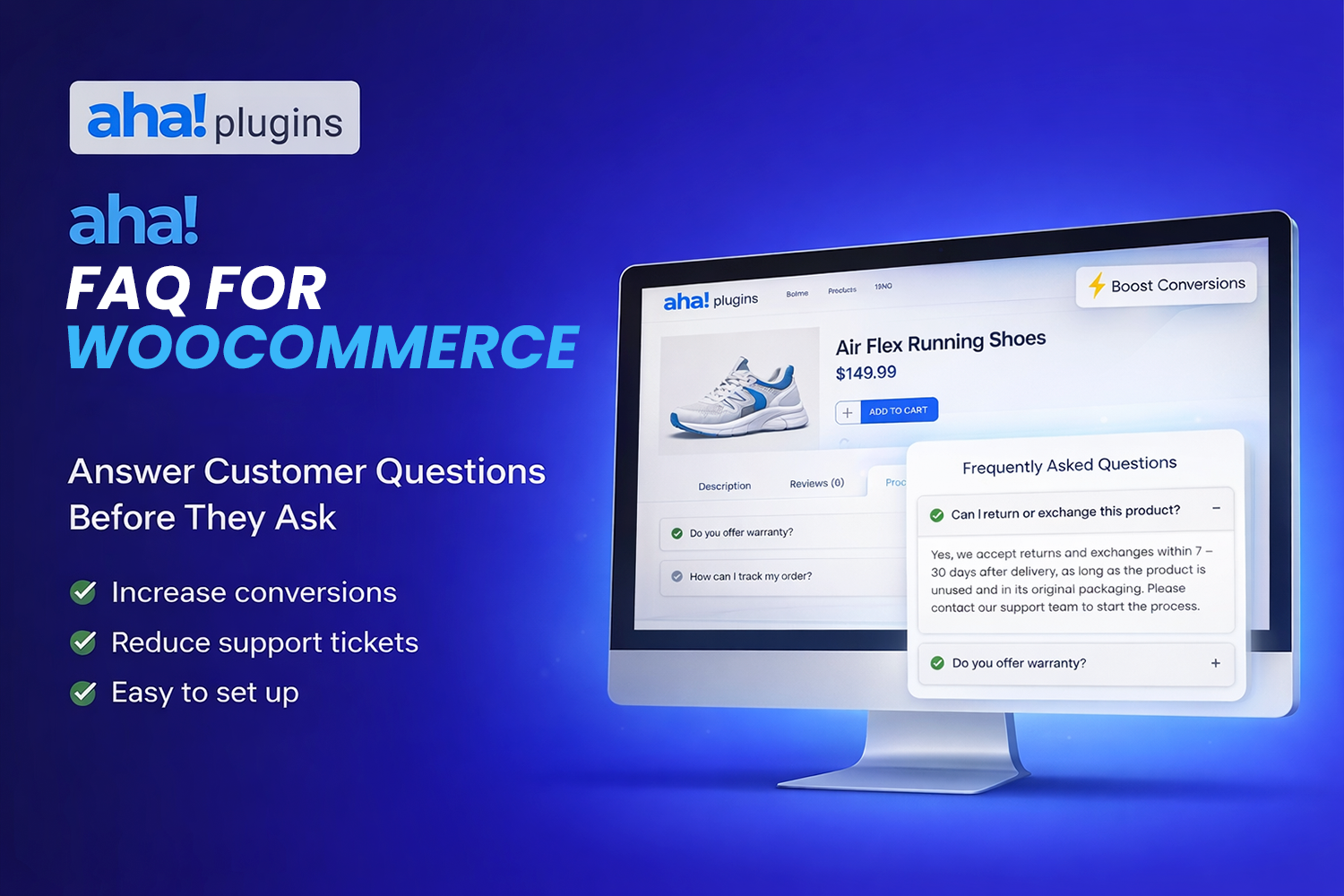
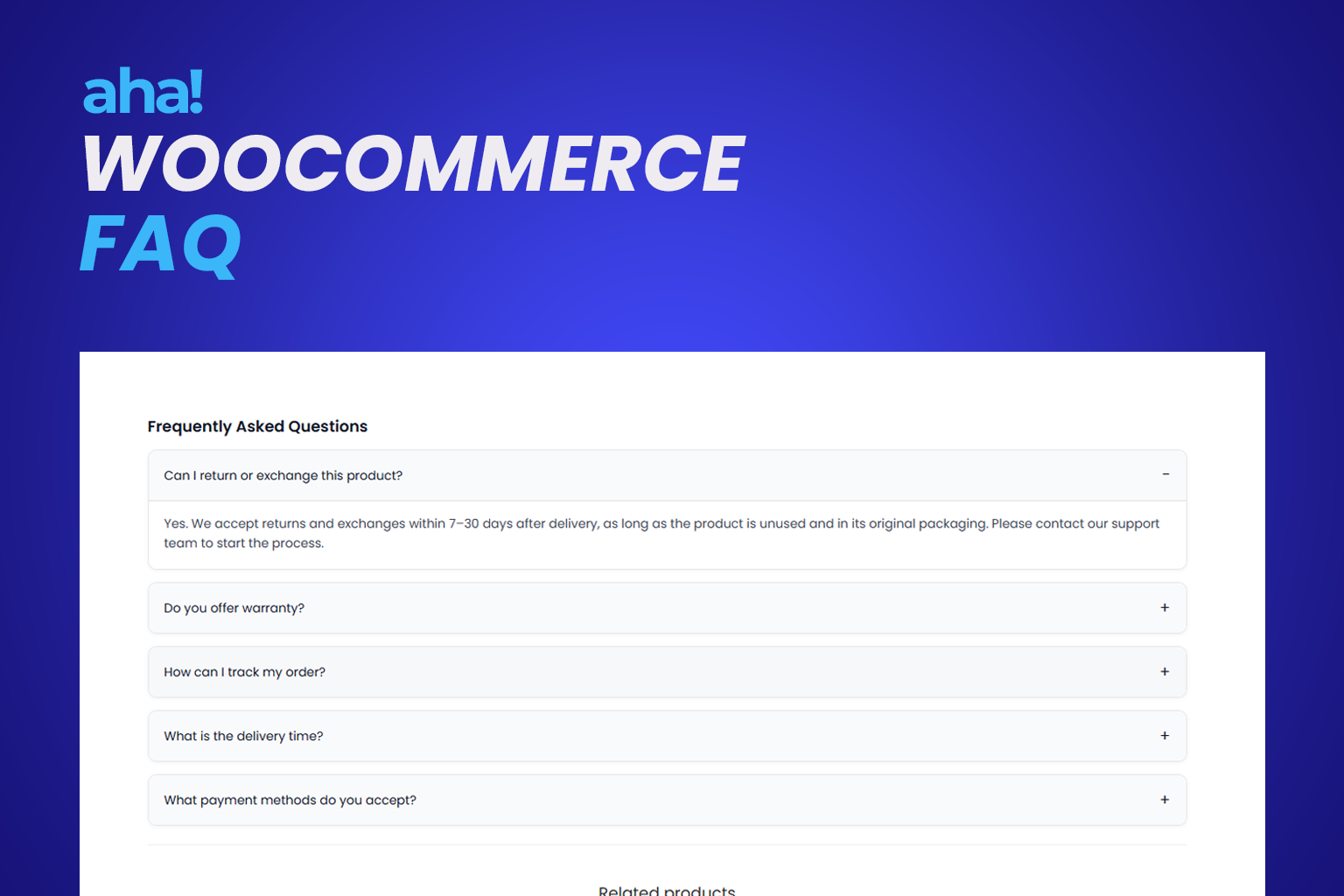
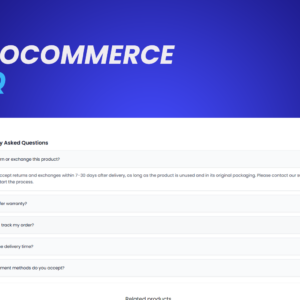
AHA Product FAQ lets you add specific questions and answers to each product in your store. Create global FAQs (reusable questions; one question can belong to several categories) and, per product, choose which categories to show (checkboxes); those questions appear first, followed by the product’s own FAQs. In the product metabox, use the Insert FAQ button to open a single rich-text editor: enter question and answer, click Insert, and the item is added to an accordion list; edit or remove before saving the product. Customers see everything on the product page, and you can send FAQPage schema to Google. Everything is configurable: where to display, initial state of items, and style — accordion, cards, bordered, or minimal.

What you get

  • Global FAQs — Create reusable questions under the Global FAQs menu (admin); each question can belong to several categories (checkboxes). On each product, select which categories to display (checkboxes); those questions appear first on the frontend.
  • Product metabox — One rich-text editor: click Insert FAQ, fill in question and answer, then Insert to add to the accordion list. Use Edit to change an item and Remove to delete it. Everything is saved when you update the product.
  • Shortcode — Use `[aha_product_faq]` on the current product page or `[aha_product_faq product_id="123"]` on any page, post, or builder (Elementor, Gutenberg).
  • Automatic display — Enable the FAQ on the product page and choose where it appears: after the summary, after the add-to-cart button, or inside product tabs.
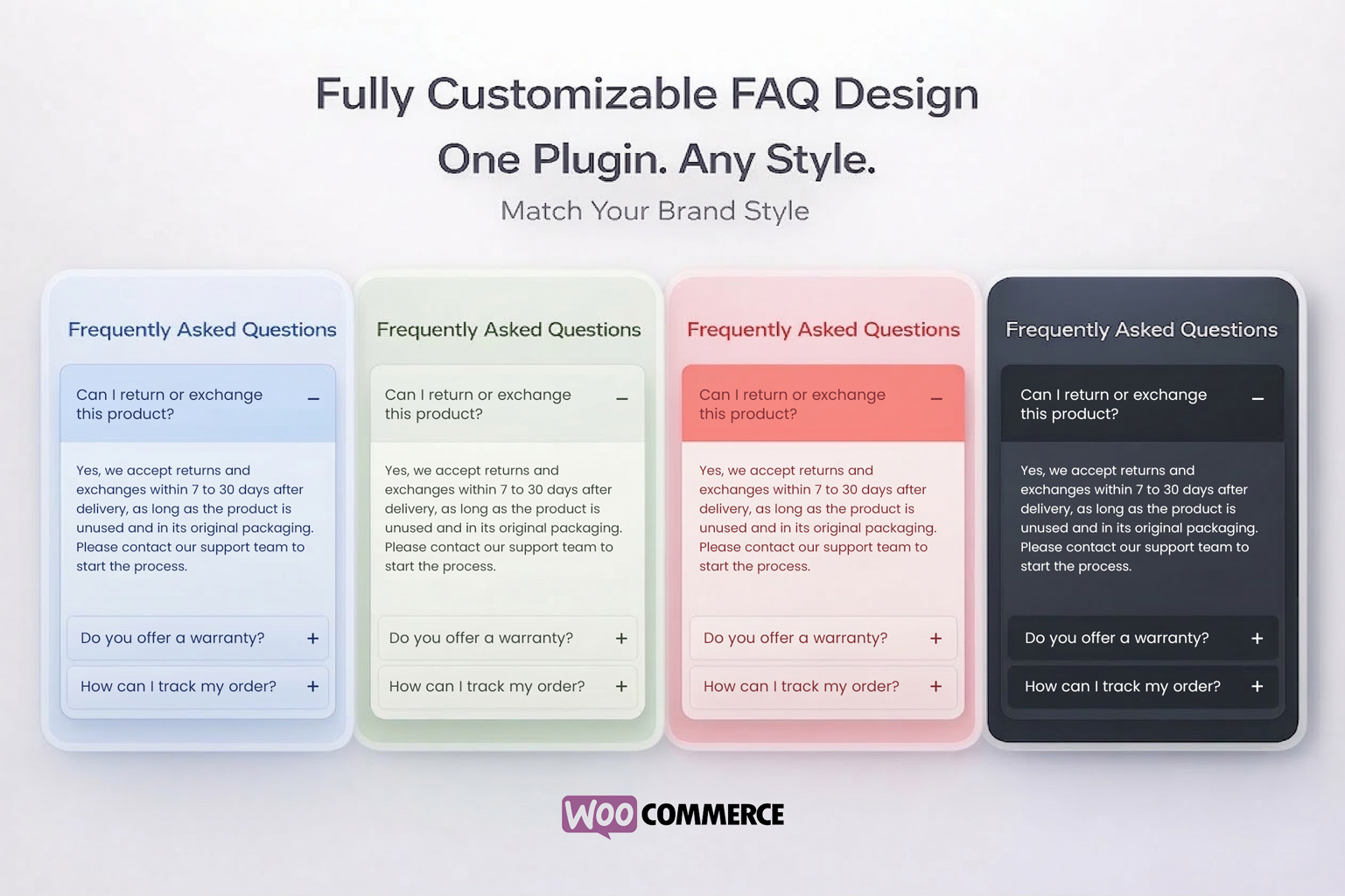
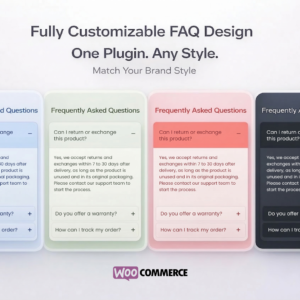
  • Four layouts — Accordion (continuous list with border), Cards (each question in a separate rounded box), Bordered (left accent border with chevron icon), or Minimal (full-color question rows, no container border).
  • Initial state — Set whether items start all closed, only the first open, or all open.
  • Appearance — Color palettes (default, dark, light, blue, green, etc.) or custom colors for button, text, answer background, and borders.
  • FAQPage schema — Option to send structured data to Google for rich results in search.
  • Pro — 100% Pro plugin; license activation unlocks all features.

Who it’s for

  • WooCommerce store owners who want to cut repeated questions and build trust on the product page.
  • Agencies and freelancers building stores who need per-product FAQ without depending on the theme.
  • Developers looking for a lightweight solution with shortcode and clean WooCommerce integration.
  • Global FAQs (**Global FAQs** menu in admin): reusable questions; one question in multiple categories (checkboxes)
  • On product: global category selection via checkboxes; questions from those categories appear first
  • Product metabox with single editor: Insert FAQ, accordion list, Edit and Remove; saves when product is updated
  • Shortcode [aha_product_faq] and [aha_product_faq product_id="123"]
  • Automatic display on product page (after summary, after add to cart, or in tabs)
  • Four layouts: accordion (list), cards (separate rounded boxes), bordered (left accent with chevron), minimal (full-color rows)
  • Configurable initial state: all closed, first open, or all open
  • Color palettes (default, dark, light, purple, blue, green, yellow, orange, red, pink, violet)
  • Customizable colors (button, hover, answer, title, borders)
  • Optional FAQPage schema (JSON-LD) for SEO
  • Settings under WooCommerce → Aha Product FAQ
  • License activation (Pro)

Yes. Some of our free plugins are available directly in the WordPress.org plugin repository, while others may be distributed through download links on our website, depending on the product.

1. Download the plugin and go to WordPress > Plugins > Add new.
2. Click "Upload plugin" and select the AHA Product FAQ .zip file.
3. Install and activate the plugin (WooCommerce must be active).
4. Go to WooCommerce > Aha Product FAQ and open the "License" tab.
5. Paste the license key you received after purchase and click "Validate license".
6. (Optional) In the **Global FAQs** menu create reusable questions and in **FAQ Categories** create categories; assign each question to one or more categories via the checkboxes in the sidebar.
7. When the status shows "Active", edit a product: in the "Product FAQ" metabox check the desired global categories (checkboxes) and use "Insert FAQ" to add questions and answers with the editor; items appear in an accordion list until you save the product.
8. In WooCommerce > Aha Product FAQ > General, enable "Enable automatic FAQ" and choose the position (after summary, after add to cart, or in tabs), or use the shortcode [aha_product_faq] wherever you like.
9. Adjust layout (accordion or cards), initial state, and colors in the Appearance tab if desired.

1.0.0 - Initial release: metabox, shortcode, automatic display, settings, accordion frontend, FAQPage schema.