
Aha FAQ for WooCommerce

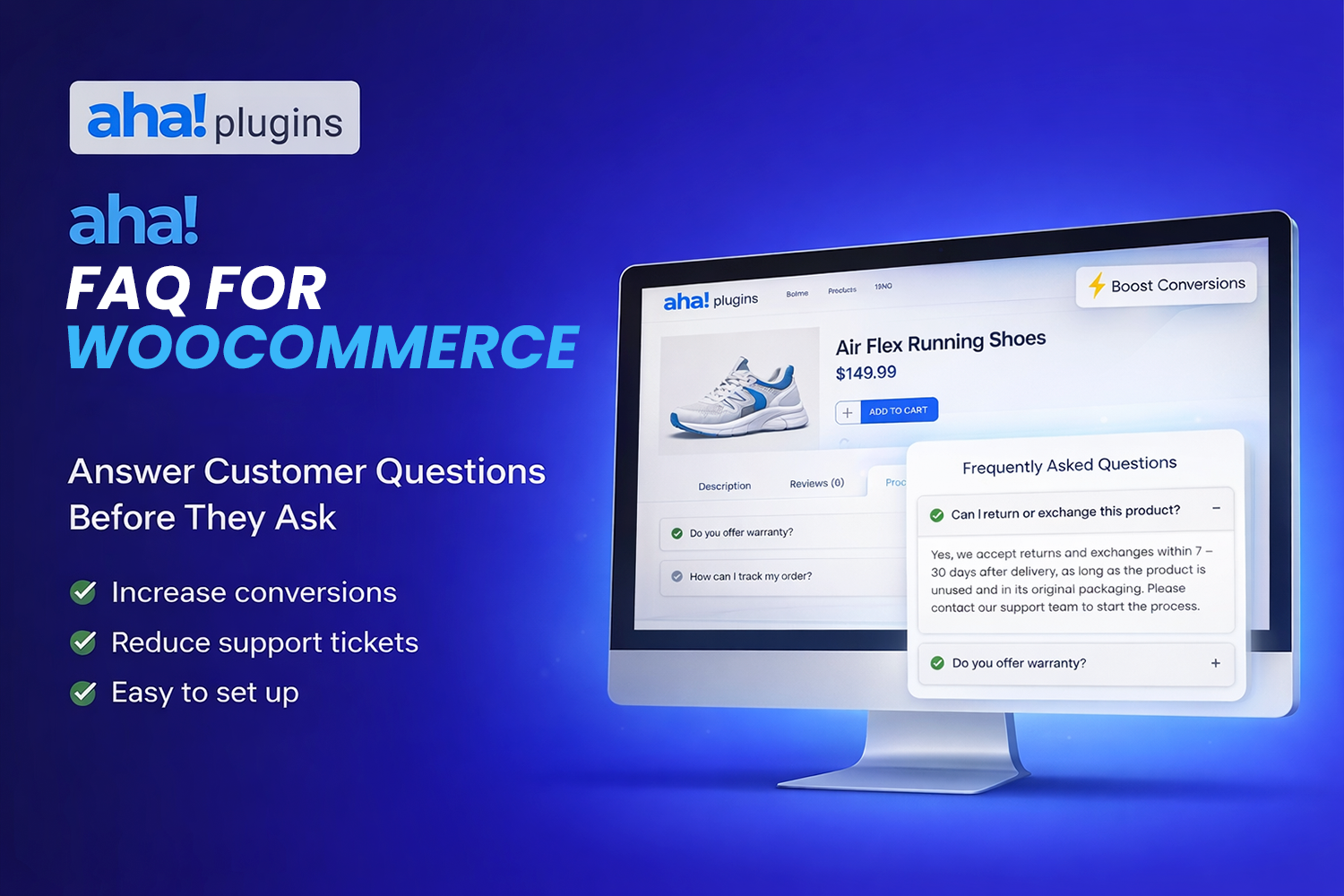
Add a WooCommerce product FAQ from one central library: show questions by category or pick them per product. Shortcode, auto placement on the product page, styled layouts, and optional FAQ rich results (FAQPage schema). License required.

Original price was: $ 24.00.Current price is: $ 12.00.

What you get

  • Free support for this product
  • Free updates for future versions
  • Quality checked and ready to use

Information

  • Category: Faq, WooCommerce
  • First release: March 11, 2026
  • Last update: April 15, 2026
  • Version: 1.0.0
  • Files included: php, css, js

Requirements

  • WordPress 6.0 or higher
  • WooCommerce 8.0 or higher
  • PHP 7.4 or higher

WooCommerce product FAQ from one library

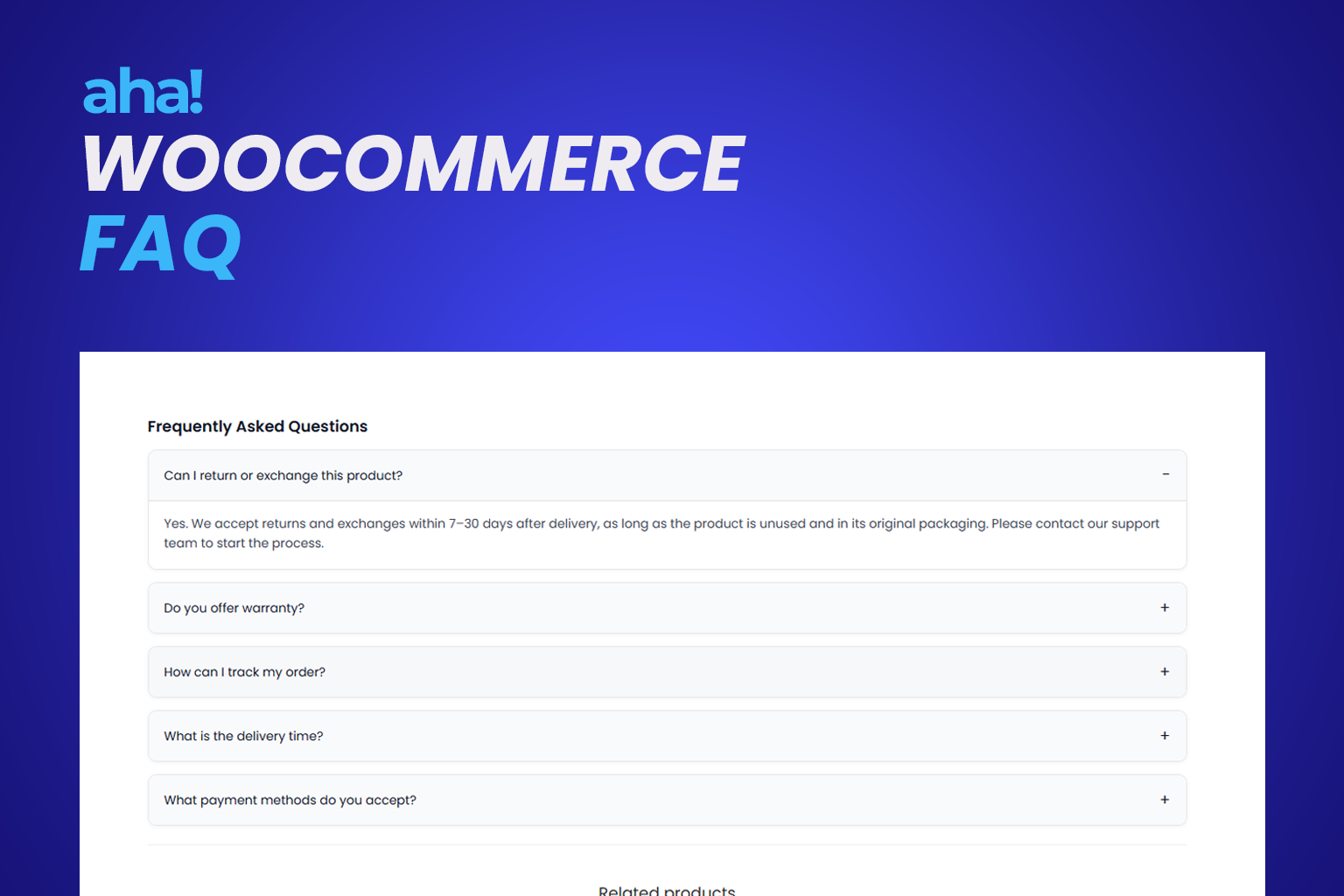
Aha FAQ for WooCommerce helps you answer shoppers on the product page without copying the same text into every product.

Build your questions once in the Aha Woo FAQs library, organize them with FAQ Categories, then attach them to each product: either all FAQs in one category or specific questions you select and reorder.

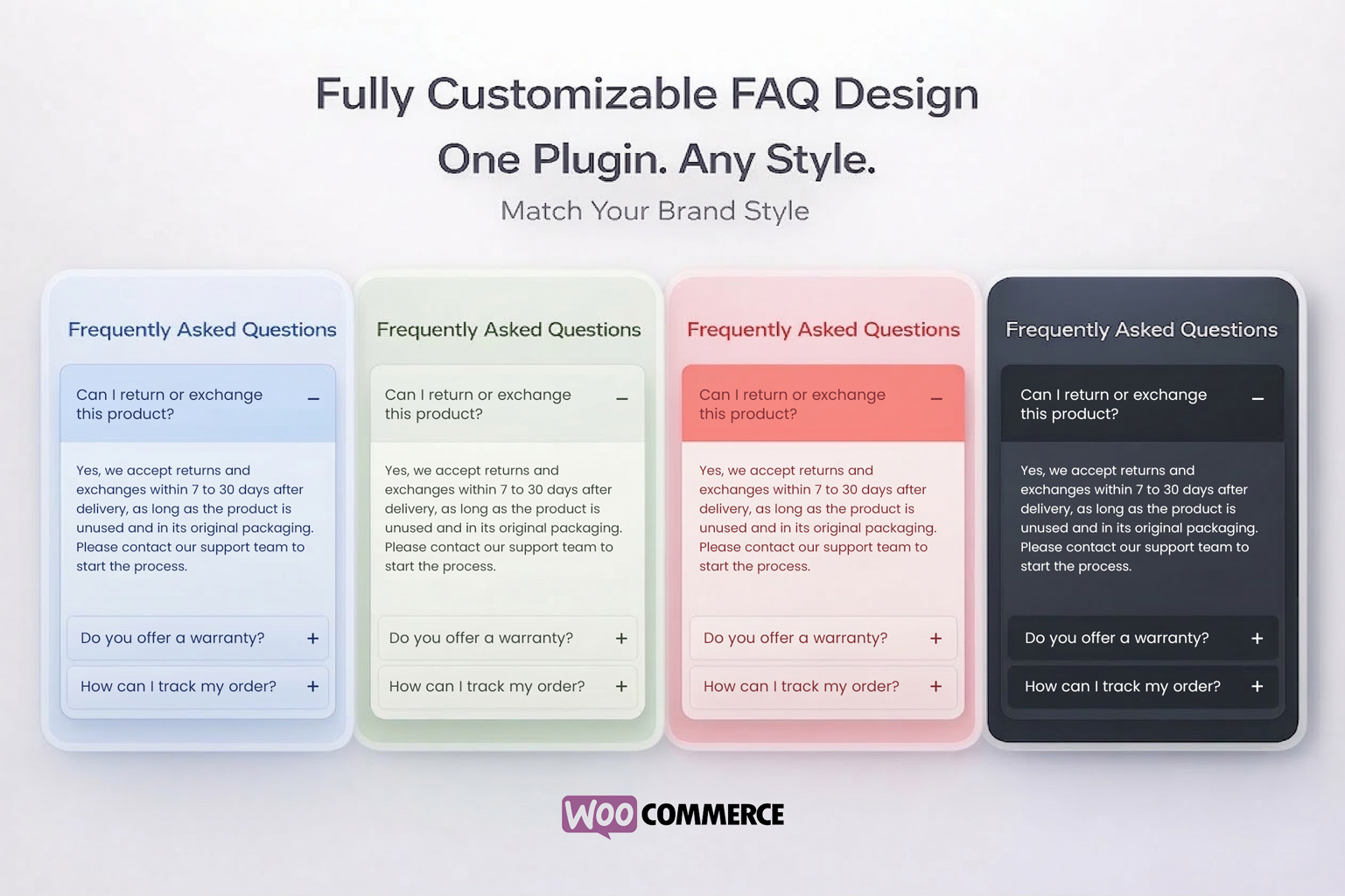
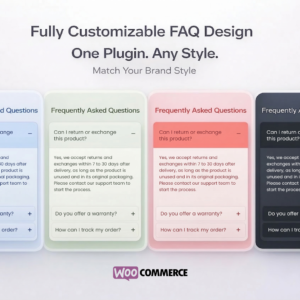
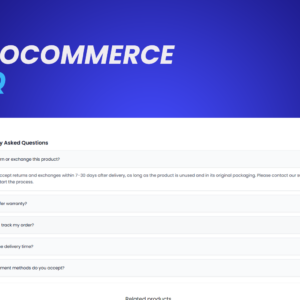
Display with the aha_woocommerce_faq shortcode (current product or a fixed product ID) or automatically after the summary, after add to cart, or inside WooCommerce tabs. Choose accordion or other layouts, colors, and typography in WooCommerce → Aha FAQ for WooCommerce.

Turn on FAQPage JSON-LD when you want eligible FAQ rich results in Google. Works with WordPress 6+, WooCommerce 8+, and standard themes and page builders.

License required: This is a premium plugin. All features require an active license key.

Additional information

License

Pro

  • Central Aha Woo FAQs library with FAQ Categories taxonomy
  • Per product: attach by category or hand-pick and reorder questions
  • Shortcode [aha_woocommerce_faq] and [aha_woocommerce_faq product_id="123"]
  • Automatic display: after summary, after add to cart, or inside product tabs
  • Layouts: accordion, cards, bordered, minimal; palettes and custom colors
  • Optional FAQPage (JSON-LD) for FAQ rich results
  • Settings under WooCommerce → Aha FAQ for WooCommerce; license required for all functionality

1 - Upload and activate the plugin (WooCommerce must be active).
2 - Go to WooCommerce → Aha WooCommerce FAQ → License and validate your key.
3 - Create FAQs under Aha Woo FAQs and assign FAQ Categories as needed.
4 - Edit each product: in Product FAQ, choose a category or add specific library entries.
5 - Enable automatic display under General, or place [aha_woocommerce_faq] where you want the FAQ to appear.
6 - Adjust layout and colors under Appearance; enable FAQ schema if desired.

1.0.0 - Initial release: metabox, shortcode, automatic display, settings, accordion frontend, FAQPage schema.

Frequently Asked Questions

Yes. In WooCommerce > Aha WooCommerce FAQ > Appearance you can choose a color palette (default, dark, light, blue, green, etc.) or set each color (button, text, answer background, borders). You can also choose between accordion (list) or cards (separate rounded boxes) layout.