Aha Mobile Menu PRO

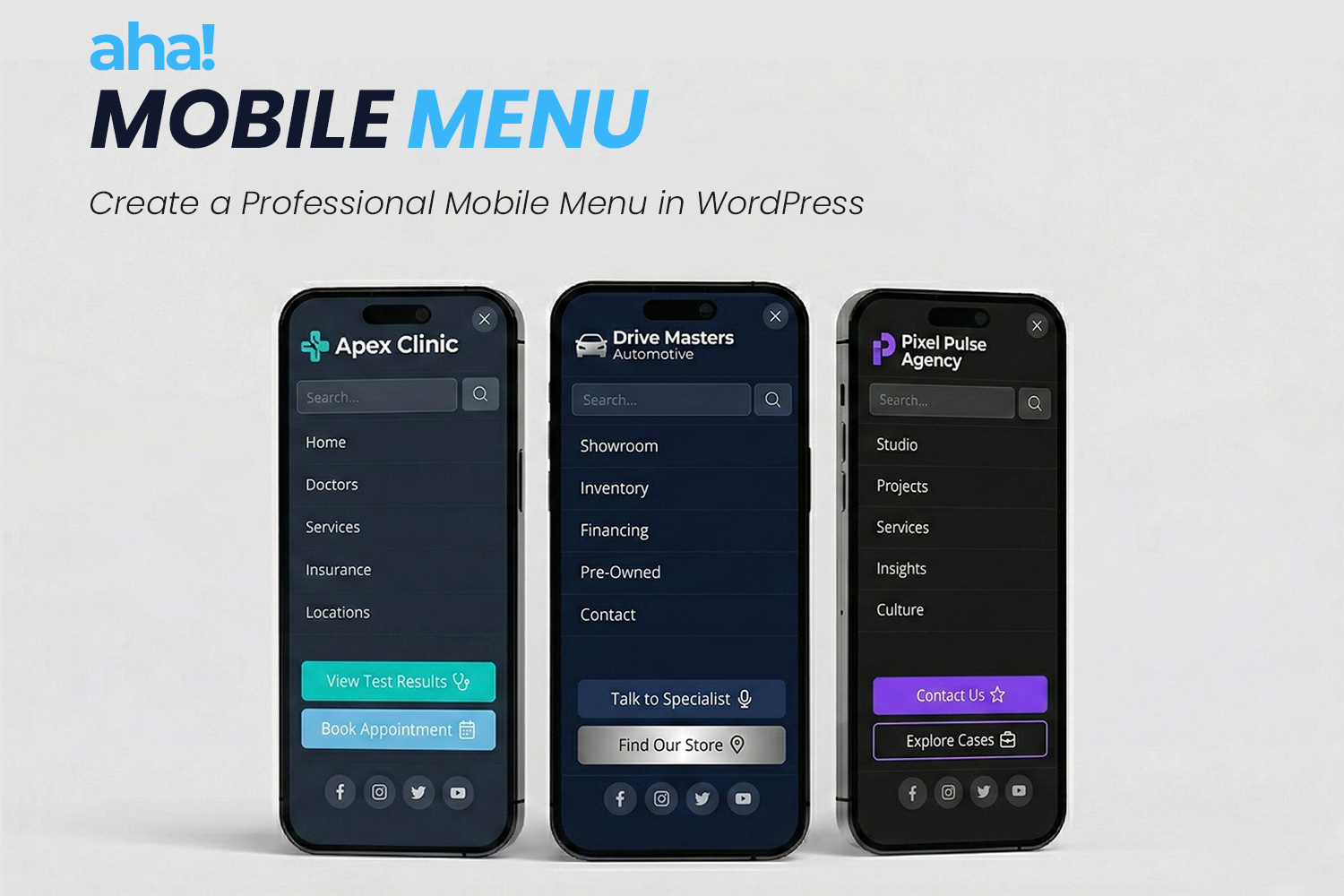
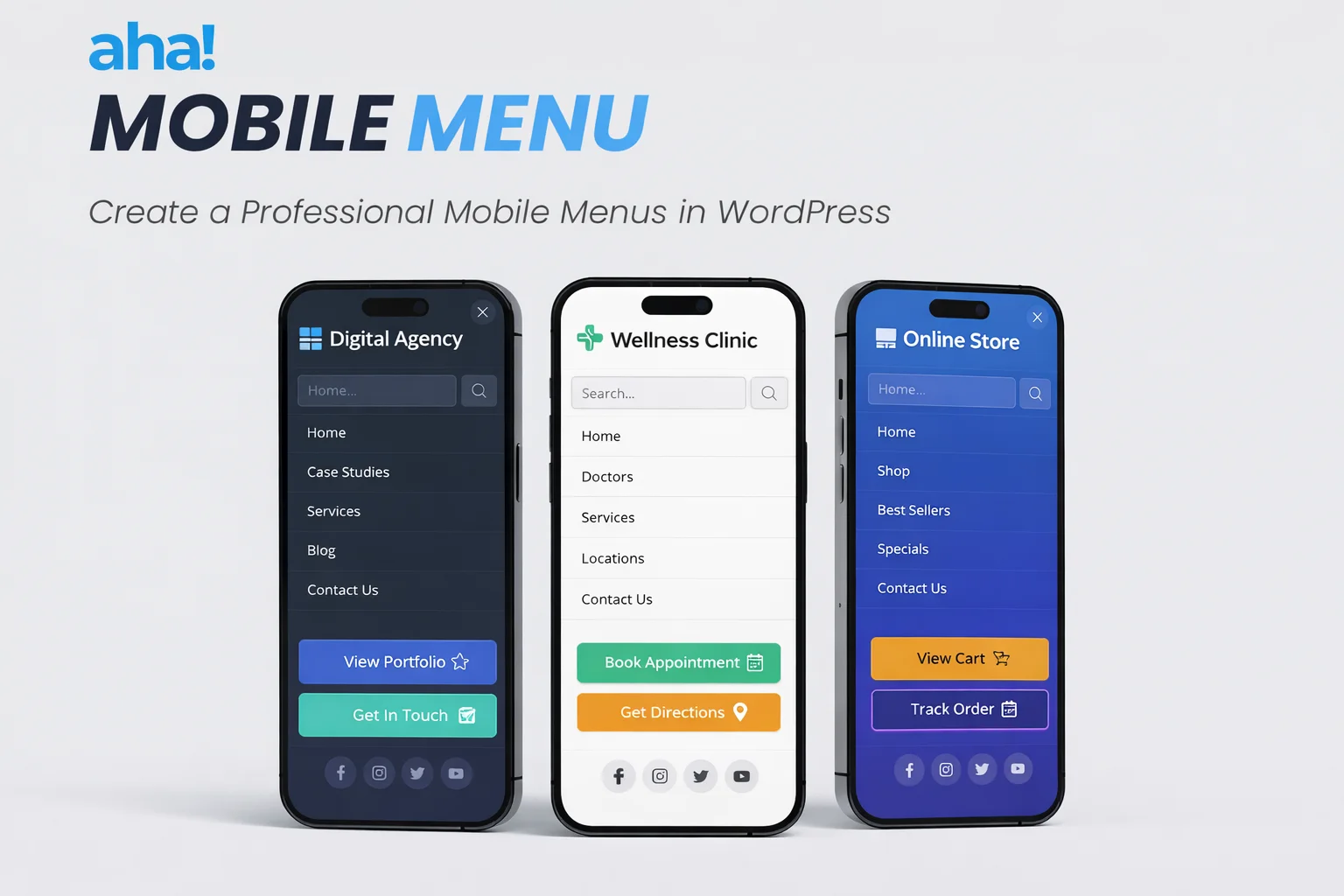
Off-canvas mobile menu for WordPress: lightweight, fast, and compatible with any theme. Set up in minutes — logo, menu, search, social links, and colors. Works on mobile and desktop with nested submenus included. Optional Pro addon adds configurable action buttons and license management.

Get it now

1-year access — includes library download & updates.

$ 29.00

What you get

  • Added to your Library After purchase, this plugin is instantly added to your Member Library for easy download.
  • 1 year of updates Download updates and new versions of this plugin directly from your library for a full year.
  • Technical support Get help from our team to solve questions or resolve bugs during your 1-year access.
  • Use on unlimited sites Install and activate this plugin on as many websites as you want — no domain limitations.
Download free version

Also available on WordPress.org or other repository.

Documentation

Our team works hard to keep the documentation for all our products complete and up to date.

Read the Documentation

Found an error or missing info?

Information

  • Category: Menus
  • First release: February 27, 2026
  • Last update: June 16, 2026
  • Version: Pro 1.0.3, Free 1.0.7

Requirements

  • - WordPress 5.9 or higher
  • - PHP 7.4 or higher

A professional mobile menu for your WordPress site — lightweight and simple.

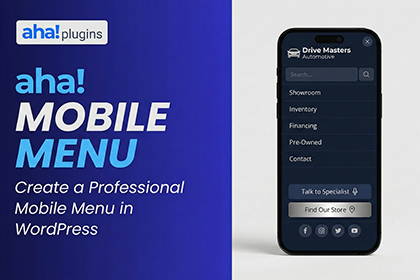
AHA Mobile Menu is an off-canvas sidebar plugin for anyone who wants clear, fast mobile navigation without depending on the theme or slowing down the site. It works on phones and tablets and, if you want, on desktop too. You choose the WordPress menu, add a logo, search, and social links, set colors and animation — and in a few minutes the menu is live.

What you have in your hand

  • Off-canvas menu — The menu slides in from the side (left or right), freeing the screen and keeping focus on your content.
  • Lightweight and performant — Minimal JavaScript and CSS; it won’t slow your site down.
  • Compatible with any theme — Use it with classic themes, block (FSE) themes, or headless setups; the plugin fits into what you already have.
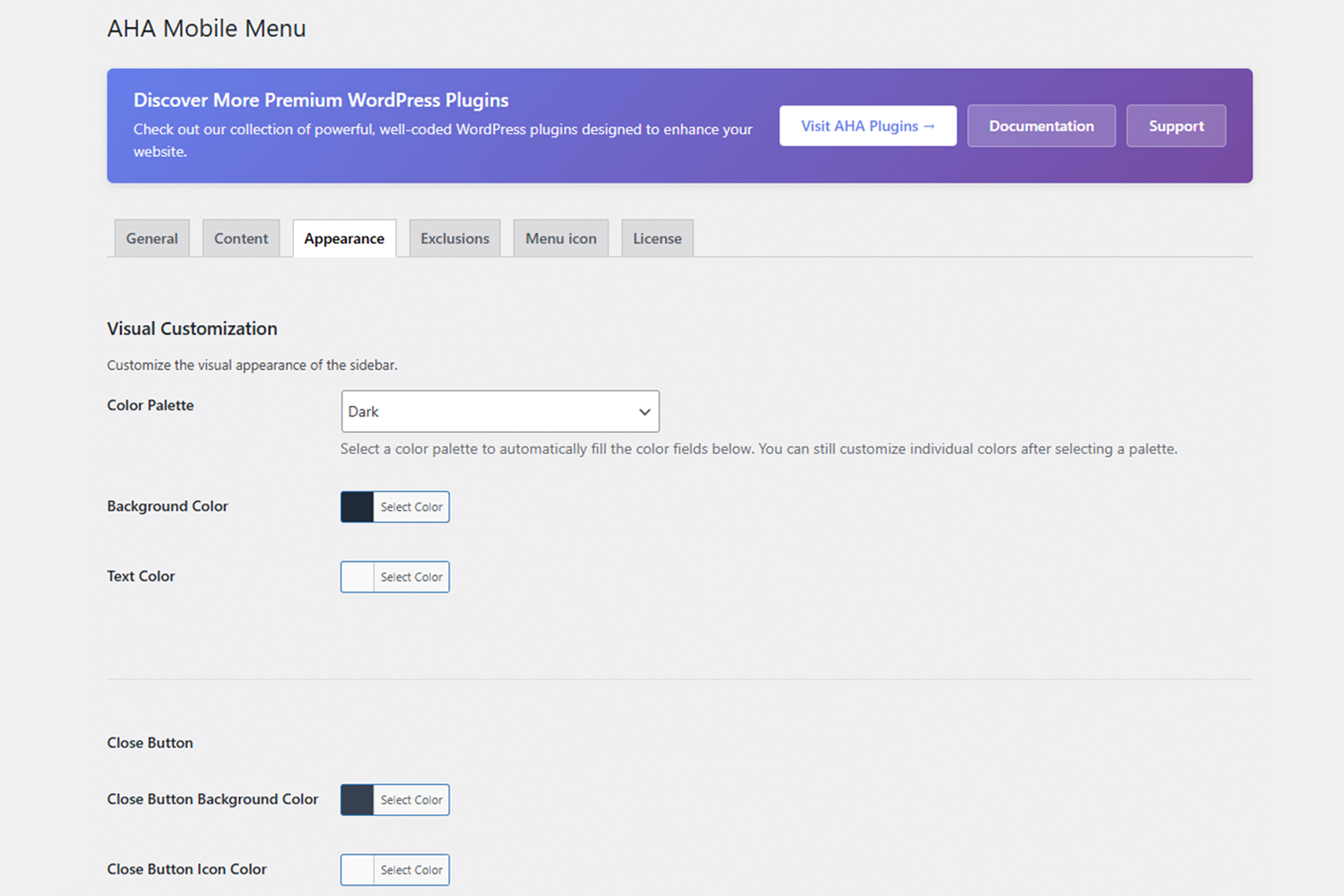
  • Visual configuration — Ready-made palettes (dark, light, blue, green, etc.) or custom colors; slide or fade animation.
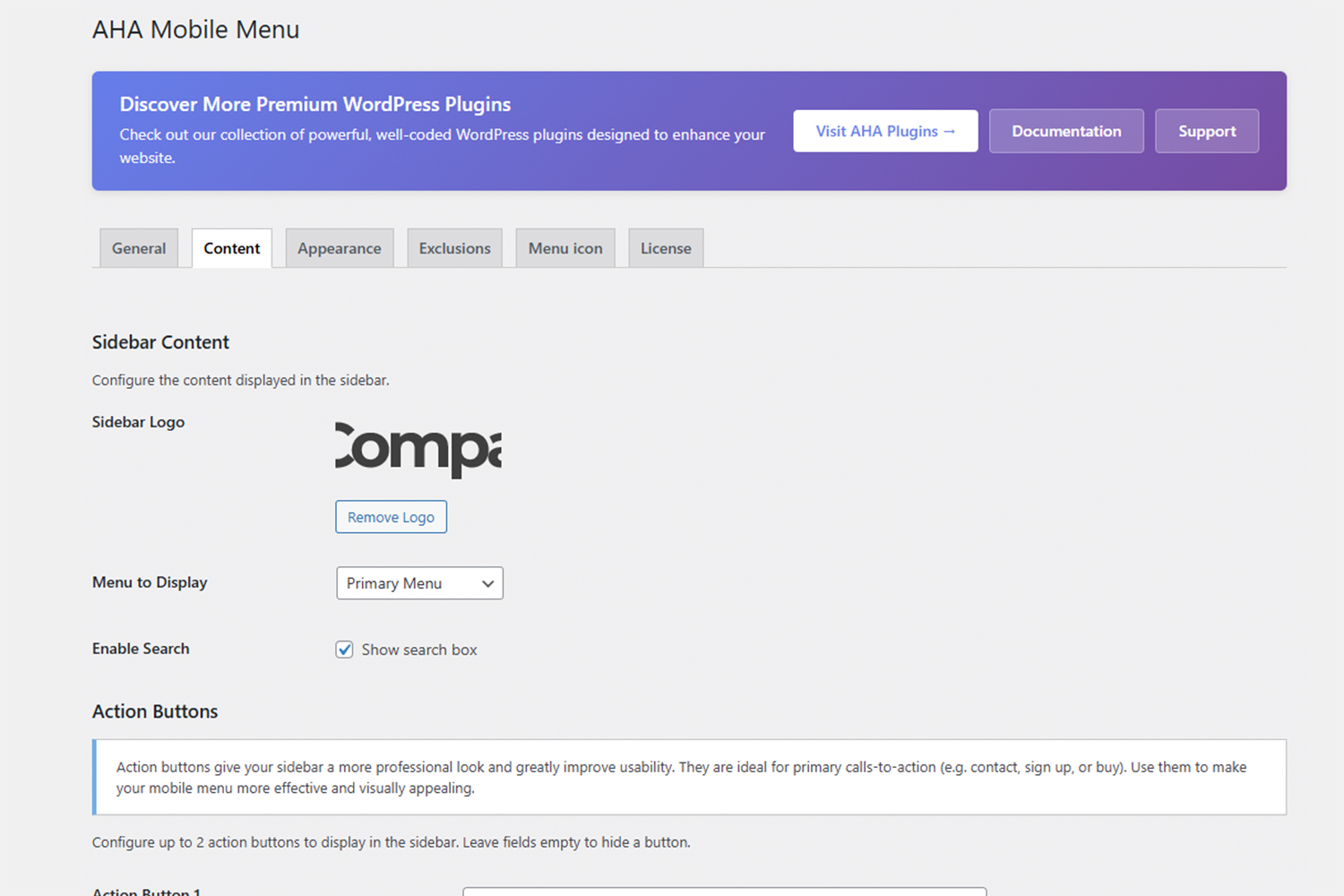
  • Flexible content — Logo, WordPress menu, search box, and social icons in the same panel.
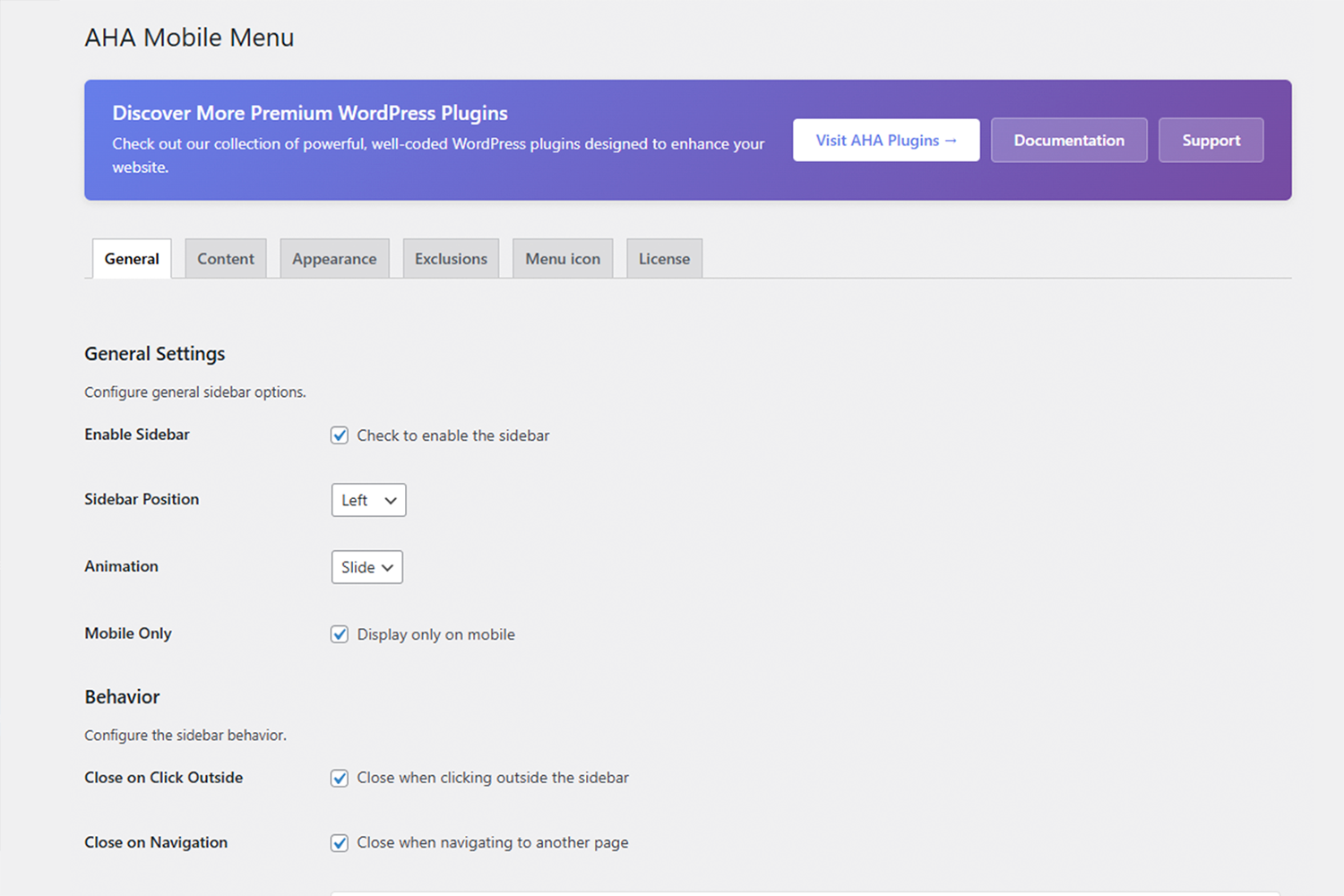
  • Fine-grained control — Show only on mobile or on desktop too; exclude specific pages or post types where the menu shouldn’t appear.
  • Pro addon (optional) — Adds up to 2 configurable action buttons (e.g. “Contact”, “Sign up”) with optional icons, managed via license tab.


Who is it for?

  • Website owners who want a professional mobile menu without depending on the theme.
  • Agencies and freelancers who build websites in WordPress and need a stable and easy-to-deliver solution.
  • Developers who prefer a lean plugin with hooks and filters, instead of an “all-in-one” solution.
Additional information

License

Free, Pro

  • Off-canvas (sidebar) menu that slides in from the side
  • Position on left or right
  • Display on mobile only or on desktop too
  • Custom logo at the top of the menu
  • Choice of any WordPress menu (including nested submenus)
  • Built-in search box
  • Social links with automatic icons (multiple networks supported)
  • Ready-made color palettes (dark, light, blue, green, etc.)
  • Custom colors (background, text, close button)
  • Slide or fade animation
  • Exclusions by page, post, or content type
  • Shortcode for the button that opens the menu
  • Hooks and filters for developers
  • Optional Pro addon: up to 2 action buttons with text, URL, and icon

1. Download the plugin and go to WordPress > Plugins > Add New.
2. Click "Upload Plugin" and select the AHA Mobile Menu .zip file.
3. Install and activate the plugin.
4. In the sidebar menu, go to "AHA Mobile Menu" to open the settings.
5. Check "Enable sidebar" and choose the WordPress menu that will be displayed.
6. Adjust the position (left/right), colors, and, if you want, enable search and social media.
7. Use the shortcode [aha_mobile_menu_trigger] where you want to display the button that opens the menu (usually in the header).
8. Save the changes. The menu will be active on mobile devices (and on desktop, if you allow it).

1.0.0 - Initial release.

Frequently Asked Questions

Yes. There are ready-made palettes (dark, light, blue, green, etc.) and fields to customize background colors, text, and the close button.

Subscribe to our newsletter

Get plugin updates, WordPress tips, and exclusive discounts straight to your inbox.

Customization

Tailor your website with our flexible plugins, offering extensive options for design, functionality, and performance.

Security

Rest easy knowing our plugins are built with the highest security standards to protect your data.

Need Any Help?

We are here to help you with any question.

Every product comes with comprehensive documentation. Still need help? Reach out to our team.